Guides for better product content

Practical, review-first tutorials for using every ProductSnap tool. Each guide tells you what to upload, what to generate, and what to check before publishing.

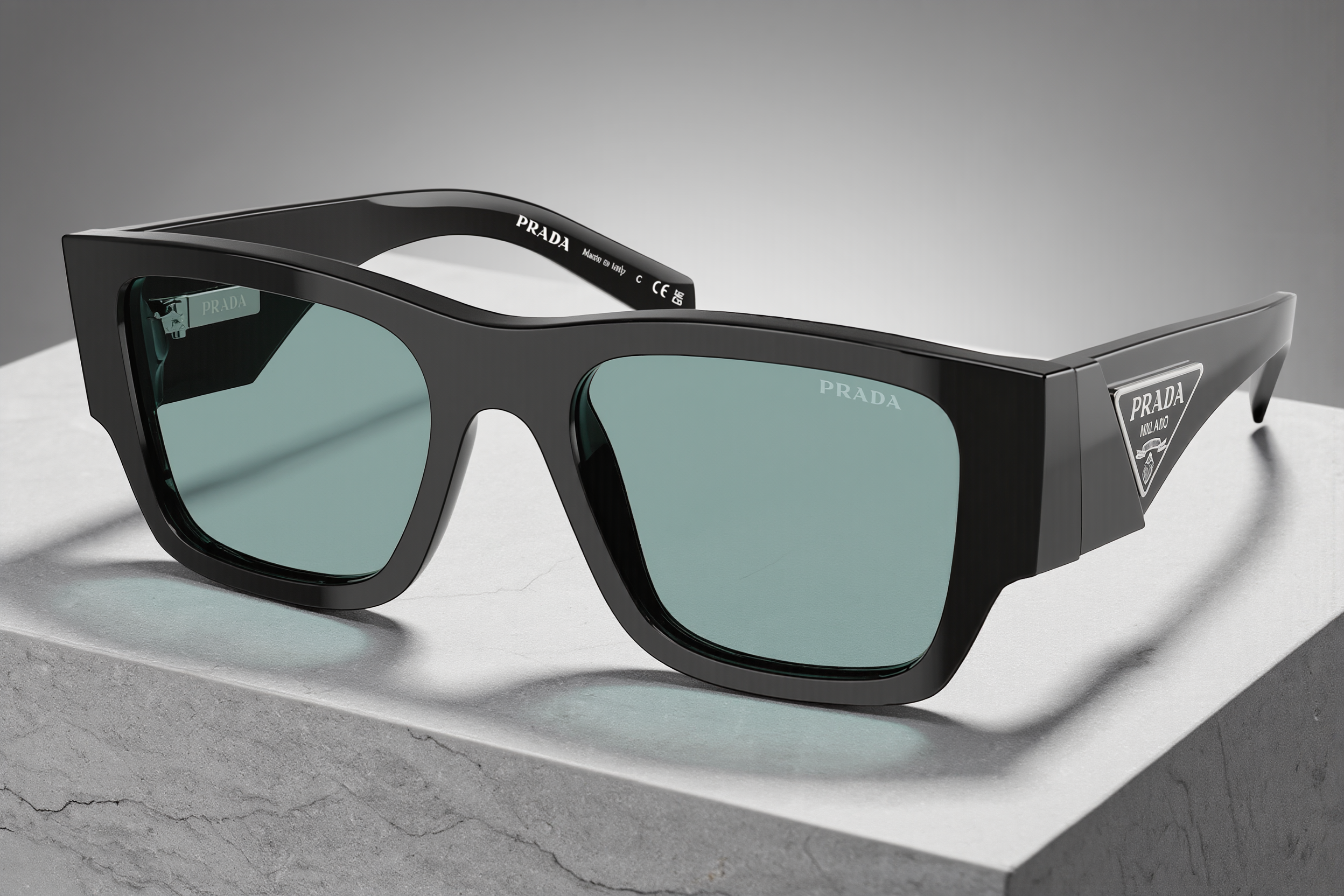
Studio product photograph used in the AI Product Photography guide

AI Product Photography

5 min

Create studio, lifestyle, flat-lay, and close-up product images from one source photo.

  1. 1. Upload a clear product photo with the full product visible.
  2. 2. Choose a scene or listing style that fits the channel.
  3. 3. Generate variations, inspect product details, then download or save your favorites.
Open tool
Coordinated product imagery used in the Product Photo Packs guide

Product Photo Packs

6 min

Produce a coordinated set of listing, lifestyle, and social images for a product launch.

  1. 1. Choose the pack that matches your launch goal.
  2. 2. Upload one product image and select the needed output styles.
  3. 3. Review each result and export the approved set for your store or campaign.
Open tool
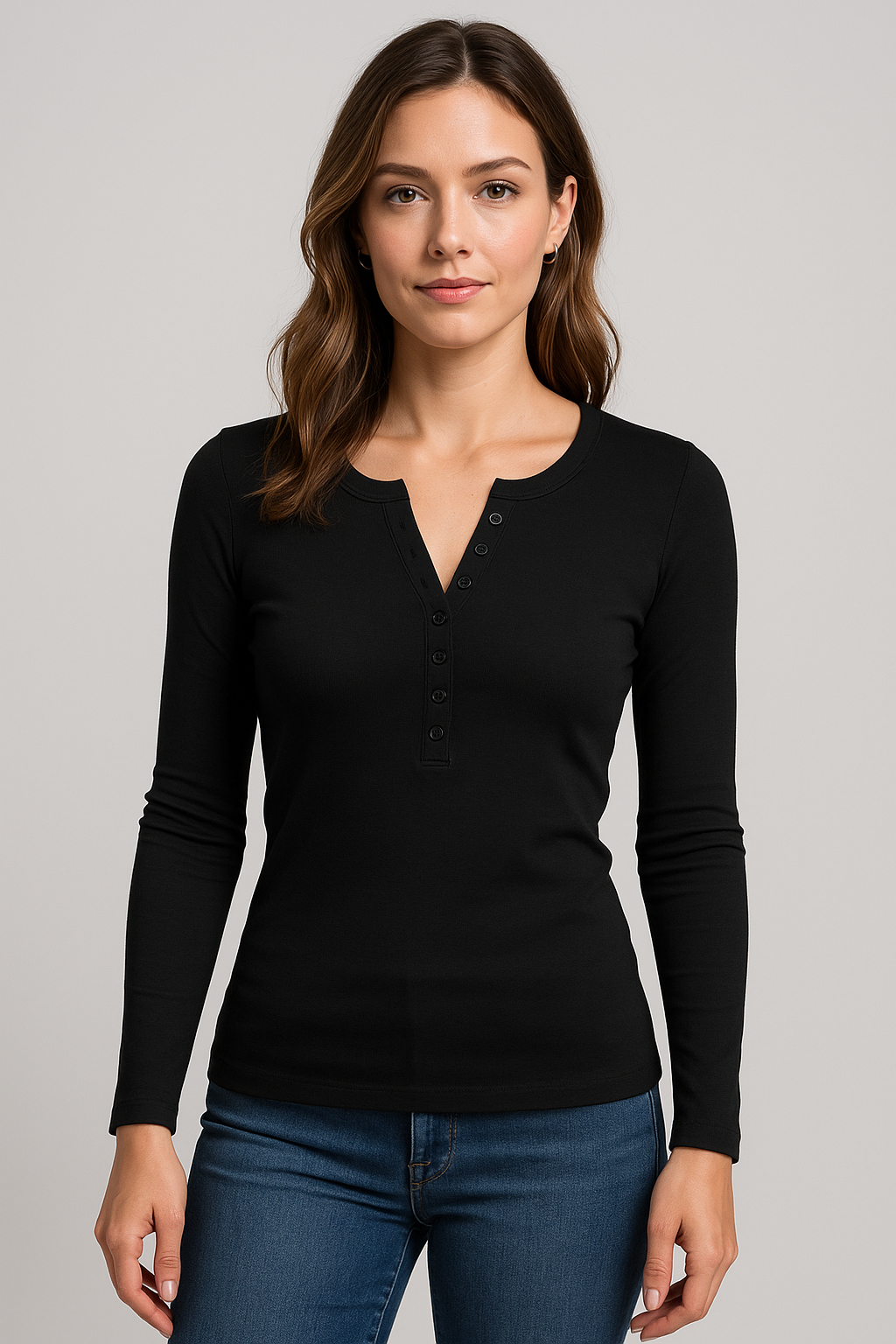
Fashion product image used in the Virtual Model Photography guide

Virtual Model Photography

5 min

Place apparel and accessories on an AI model for contextual product photography.

  1. 1. Upload a clean photo of the garment or accessory.
  2. 2. Select the model, setting, and style that fit your customer.
  3. 3. Review fit, fabric details, and branding before publishing.
Open tool
Cinematic product video preview used in the Product Video Generator guide

Product Video Generator

4 min

Turn a still product image into a short motion asset for product pages and social.

  1. 1. Start with a high-quality product image.
  2. 2. Choose a motion style and platform-ready format.
  3. 3. Preview the complete video, then download the approved file.
Open tool
AI spokesperson preview used in the AI UGC Creator guide

AI UGC Creator

7 min

Create a product-focused spokesperson video from your product creative and script.

  1. 1. Upload the product reference and write a concise, truthful script.
  2. 2. Choose the presenter and video format.
  3. 3. Watch the complete result and revise any claim or product detail before use.
Open tool
Three-dimensional product render used in the 3D Product Models guide

3D Product Models

8 min

Generate a 3D model for product exploration, AR, and compatible storefront experiences.

  1. 1. Upload a product image with a clear outline and good lighting.
  2. 2. Generate the model and inspect the shape from multiple angles.
  3. 3. Export the supported format and test it in your storefront before publishing.
Open tool
Multiple product photography variations used in the Multi-Variation Generator guide

Multi-Variation Generator

5 min

Create nine cohesive product angles and compositions in one generation.

  1. 1. Upload your strongest source product image.
  2. 2. Run the multi-variation generation.
  3. 3. Choose the shots that best serve your listing, ads, and social posts.
Open tool
Product ad creative used in the AI Ad Creator guide

AI Ad Creator

6 min

Build image and video ad creative sized for the channels where you advertise.

  1. 1. Choose the target platform and creative format.
  2. 2. Upload the approved product image and select a strategy.
  3. 3. Check text, pricing, and claims against your campaign before exporting.
Open tool
High-detail product image used in the AI Image Enhancement guide

AI Image Enhancement

4 min

Crop, upscale, add text, and prepare product imagery for a specific placement.

  1. 1. Import an approved image from your library or device.
  2. 2. Apply the required crop, detail, or text treatment.
  3. 3. Export at the dimensions required by your storefront or channel.
Open tool
Product content writing workspace used in the AI Content Writer guide

AI Content Writer

5 min

Draft product listings, ad copy, email, and social content from a structured product brief.

  1. 1. Choose the content type and provide real product details.
  2. 2. Generate a draft in your intended brand voice.
  3. 3. Fact-check, edit for your audience, and approve before publishing.
Open tool